Scene 02What you get
This is the whole studio. Nine things.
Edit the reel. Spin it into trial reels. Turn it into a carousel. One video in, a week of content out.
Instant access to all nineFree updates for life
Call sheet
-
Look Builder: 9 styles, 20 captions
9 ready-made editing styles, 5 for him and 4 for her, plus 20 caption styles. Pick what you like. Or hand Claude a reel you like and it builds a style that's only yours.
-
The FX Pack: 46 effects
46 visual effects, like giant words behind you or an app screen filling the frame. You pick the ones you like and Claude builds them into your reel.
-
Trial Reels New
Turn one video into as many trial reels as you want. Each one gets its own hook, captions or style, plus its own speed, framing and color. Then Claude posts them for you.
-
Carousel Studio New
Turn any video into a carousel, or make one from scratch on any topic. Claude writes every slide, you OK it, and it designs them in your look.
-
Automated Posting and Scheduling New
Claude & ChatGPT posts your videos, trial reels, and carousels for you on any platform of your choice (TikTok, Instagram, YouTube, LinkedIn, etc.). Post now or schedule it, without opening a single app.
-
Sound Rules
My recommended sounds, which one goes with which effect, and how loud each sits under your voice. Claude places them for you, and knows when to use none.
-
GIF Finder
Say you want GIFs and Claude finds them on Giphy and Tenor, the same ones you send in your group chats. It picks the one that fits your line and drops it into your reel.
-
8 over-the-shoulder walkthroughs
8 short videos where you watch me use it on my screen: setup, picking your effects and caption look, sounds, trial reels, posting, fixing problems, and my favorite AI tools. One is a full reel from scratch, with the misses left in.
-
First Reel Setup
A one-paste install for Mac and Windows. If your setup breaks, a doctor command finds the problem and fixes it.
Plus: free updates for life.
Every new effect, style and feature I add, you get. No subscription. No upgrade fee.
Rolling out this week
ChatGPT compatible.
Rather use ChatGPT? Creator Studio is getting full ChatGPT support: same edits, same looks, same posting. It arrives as a free update, so you get it automatically.
Scene 03The screening
You pick. Claude edits.
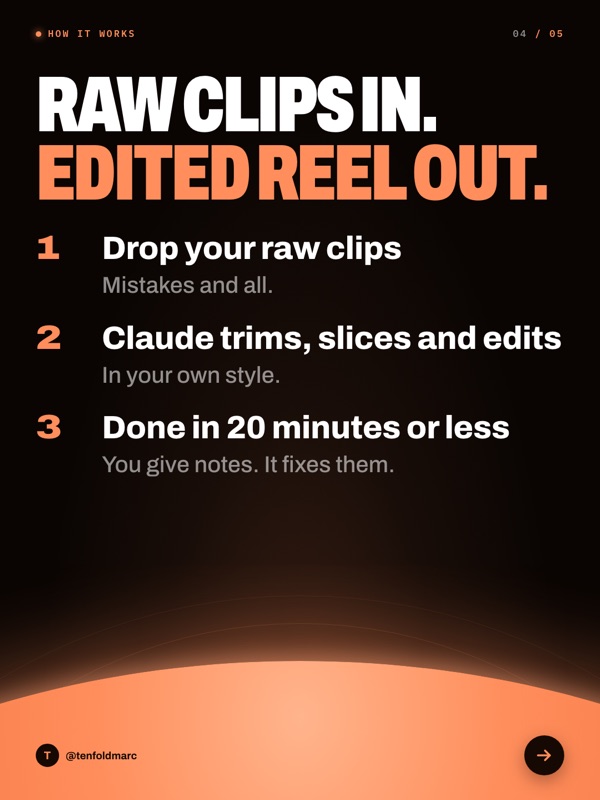
Pick a ready-made editing style, or build your own. After that, every reel is one line: edit it.
The footage goes in raw. This is what comes out.
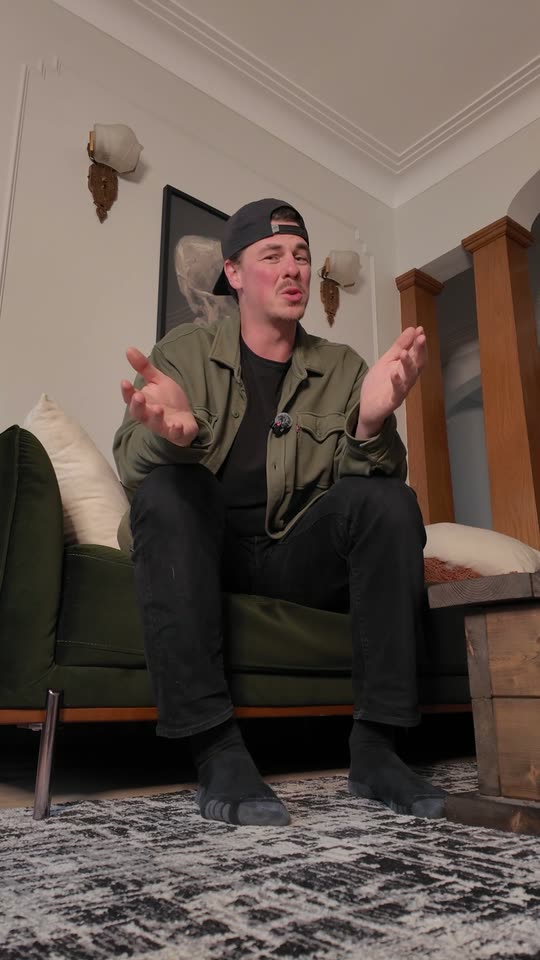
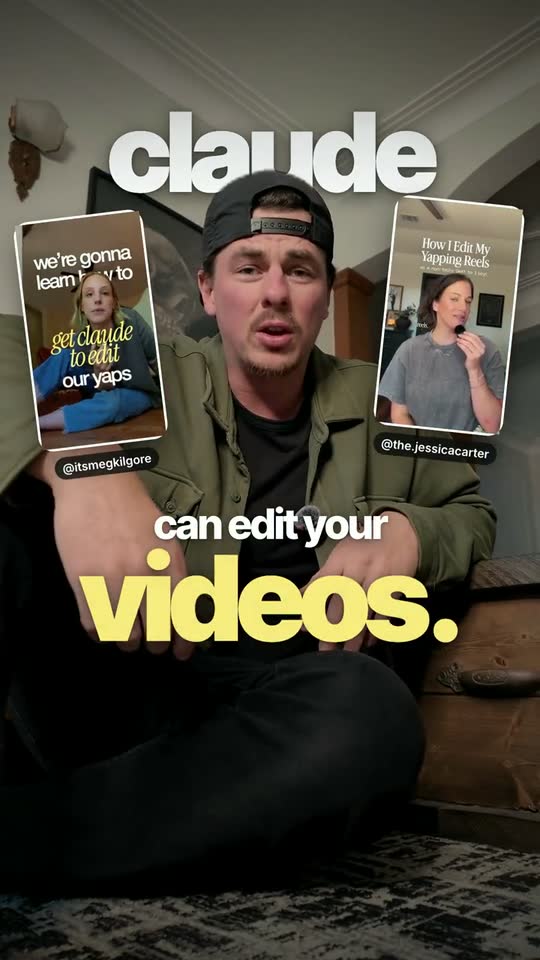
This reel was edited 100% by Claude. 25 seconds, cut from 5 raw phone clips. I never opened an editor.
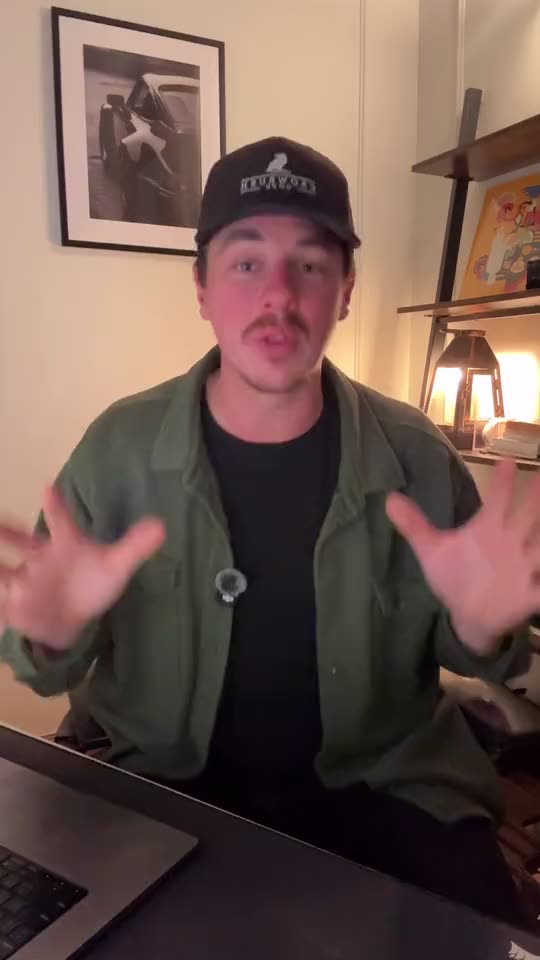
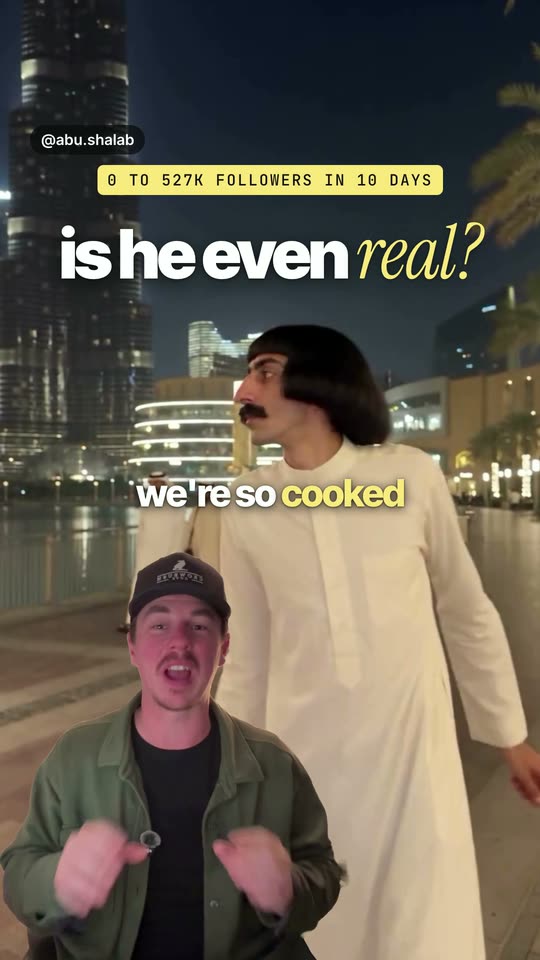
Same deal with the Green Screen effect. One raw clip in. Claude cut me out of my room and put me over what I'm talking about.
Set it up once. Then just say go.
-
Once, the fast way
Pick one of the 9 ready-made editing styles.
-
Or once, your way
Build your own: mix the 46 effects and the 20 caption styles, or hand Claude a reel you like and it matches the style.
-
Every reel
Drop your clips and say
edit it
. Claude does the rest.
Want something changed? Type a note like make the captions bigger
and Claude re-renders in about two minutes.
No timeline. No keyframes. No export settings.
Way better than I thought. It trimmed out all of my mistakes and edited in my own style and all I had to do was set it up and say "edit it".
9 editing styles, ready to pick. Or build your own.
A style is the whole look in one pick: the captions, the color, the pace and the effects. Choose one and say edit it
.
Four of the 46 effects, on screen.
Every clip here is a real effect, built by Claude on my own footage.
-
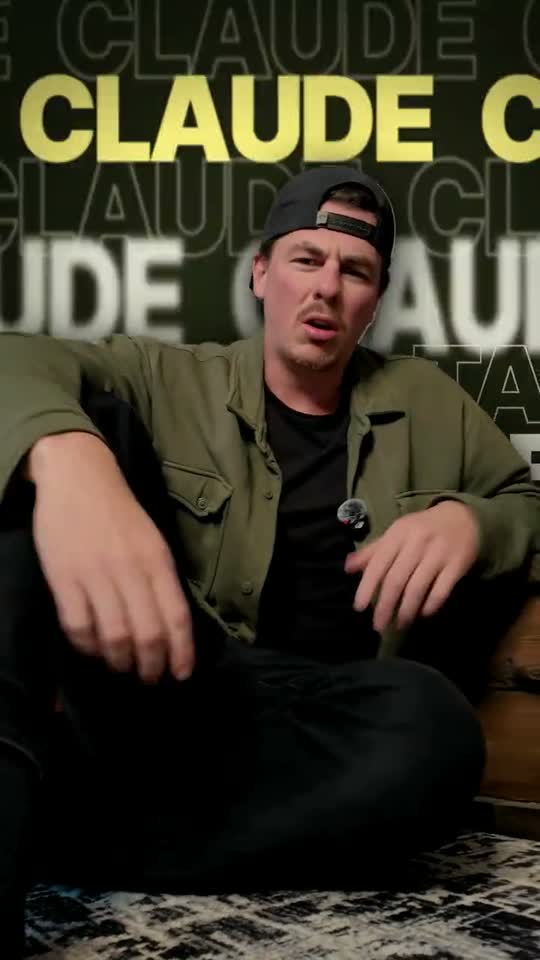
Type Wall
What it doesGiant words march behind you and swap on the word you say.
-
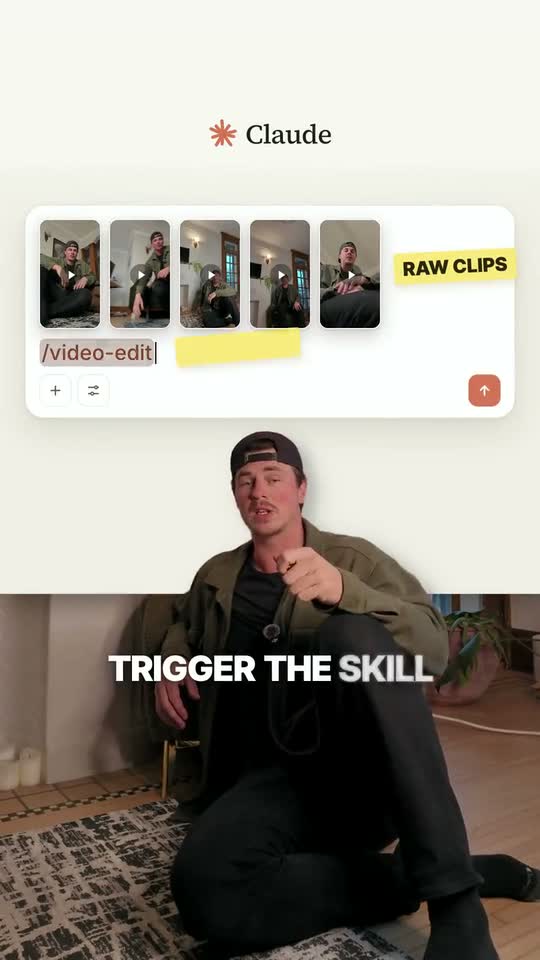
UI World
What it doesAn app screen fills the frame and you stand in front of it.
-
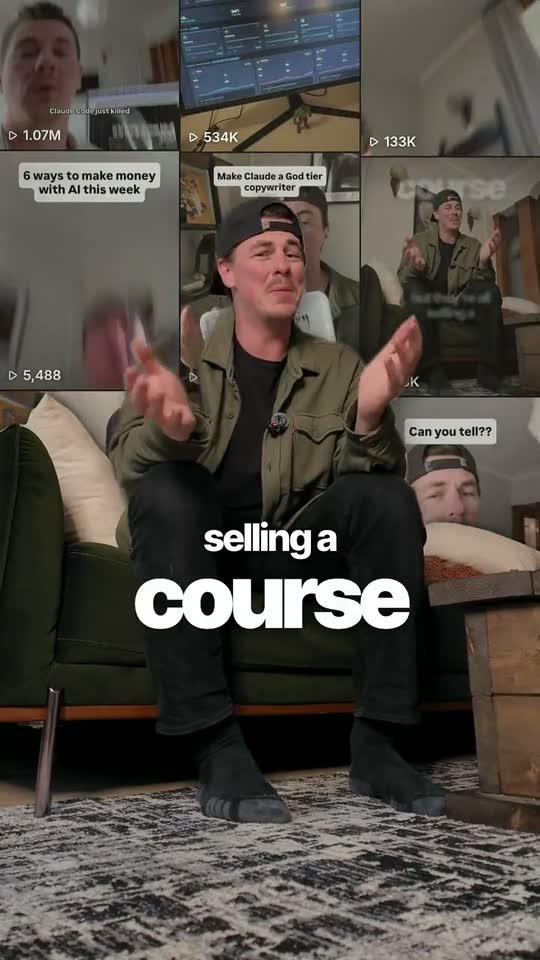
Couch Wall
What it doesYour reel covers become a grid on the wall behind you.
-
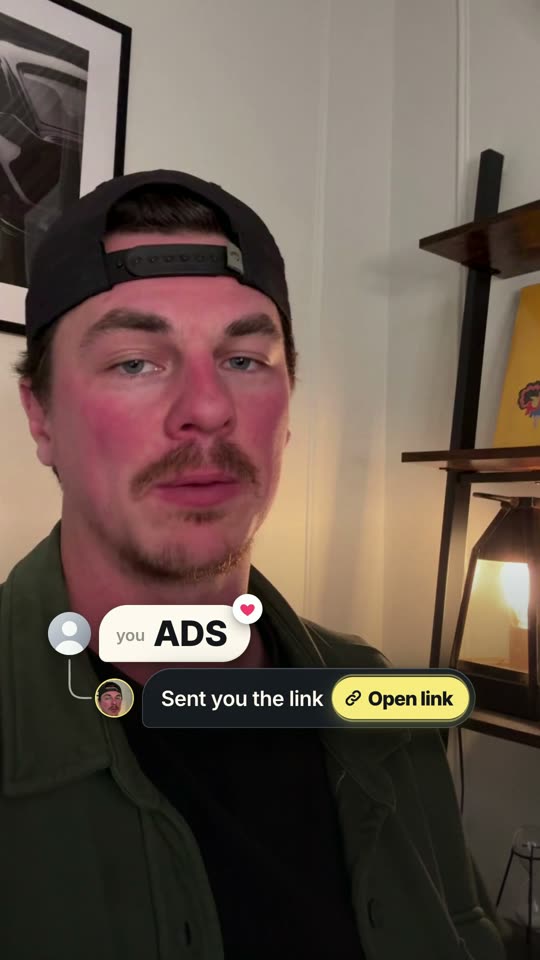
Comment Bubble
What it doesThe comment types itself, posts, and your reply with the link lands.
All 46 effects.
Use any of them anywhere in a reel. Pick the ones you like.
- OrbitYour own reels circle around you.
- Frame BreakThe video shrinks into a card and you pop out of it.
- Type WallGiant words march behind you and swap as you talk.
- Digital ZoomA slow creep onto your face, then a hard snap on the key word.
- Headline WallThe wall behind you fills with headlines.
- Zoom-Through CutThe camera dives through you into the next shot.
- CloneMore of you pop up beside you, right on your words.
- Couch WallYour reel covers become a grid on the wall behind you.
- UI WorldAn app screen fills the frame and you stand in front of it.
- The StackData cards with racing bars stack above you.
- Sticky TextA tag stuck to your cap or chest that moves with you.
- SpotlightThe room goes dark, you stay lit, the key words land big.
- Freeze and LabelThe picture freezes and labels point at you.
- Phone MockupA 3D phone flies in beside you, playing a screen.
- ChecklistEach step ticks off as you say it.
- Pointer CalloutCards tied to you by lines that follow you around.
- OdometerNumbers roll up digit by digit, like a mileage counter.
- Before and AfterA wipe line turns your raw clip into the edit.
- Chart GrowA chart draws behind you and takes off on your word.
- Freeze StickerYour freeze frame becomes a die-cut sticker with handwritten notes.
- Comment BubbleThe comment types itself, posts, and your reply with the link lands.
- Green ScreenYou shrink to the bottom and the whole screen becomes what you're talking about.
- BlackoutThe lights cut on your line and snap back on the next one.
- Timeline BurnAn editing timeline builds in front of you, then catches fire on your word.
- Pull-Back RevealThe video shrinks into a card in an app window and you watch it get edited.
- Knockout TilesName tiles slam onto the wall behind you and get knocked out one by one.
- Shatter 3DThe frame breaks into floating glass, then shatters to reveal you.
- Paper CutThe room tears away into a paper collage with ransom-note letters.
- Doodle BoilA chalk line traces you and doodles draw themselves on your words.
- Code ScanThe picture resolves into code, then back.
- Word PileThe things you name drop as solid blocks and pile up on a line.
- VertigoYou stay still while the room stretches away behind you.
- Inside OutYour body becomes a window into another clip, then the room becomes it.
- Scene TextA word prints across your real wall, then two big words land on it.
- Cover StoryYour shot becomes a magazine cover while you keep talking.
- Neon SignYour phrase lights up as a neon sign on your wall.
- Spatial GlassThree frosted glass panels float around you for three steps.
- Rack FocusFocus pulls from you to a title, like a real lens.
- God RaysThe room dims and light breaks out from behind your head.
- Glass TypeOne word in thick clear glass on your wall.
- Depth ScatterYour opening words land at different sizes and fall out of focus.
- Stat StackThe number you say lands huge, with a tiny line under it.
- Dot CounterA dot pops in for each thing you are about to cover.
- Chip RowA pill pops in under your captions for each thing you list.
- Prompt BoxWhat you tell the AI types itself into a glass box.
- Serif FlowA dark card draws your process step by step in serif type.
Scene 04Trial reels
One video. As many trial reels as you want.
Trial reels go out to people who don't follow you yet. The more versions you test, the faster you find the one that pops. Nobody has time to edit 8 versions of the same video. Now you don't have to.
-
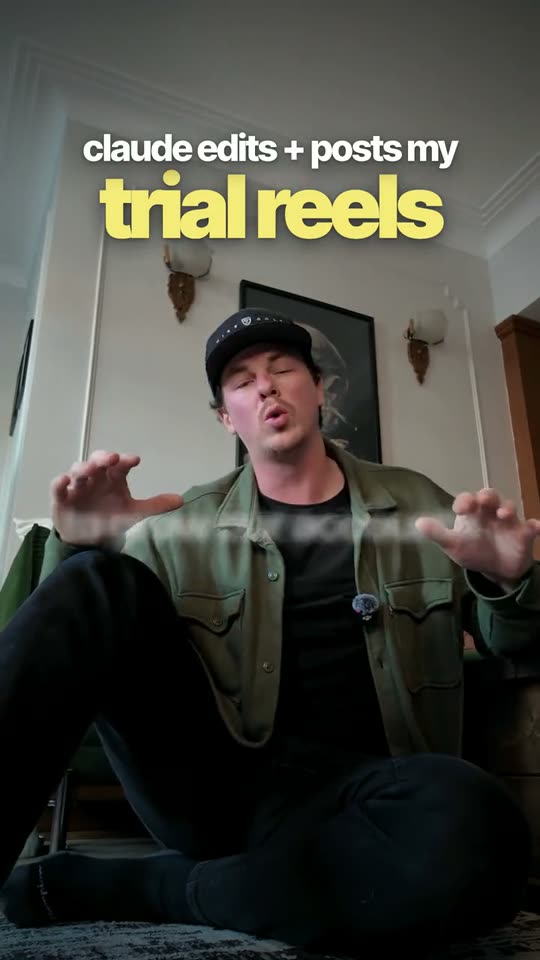
The one I postedMy reel, edited by Claude. -
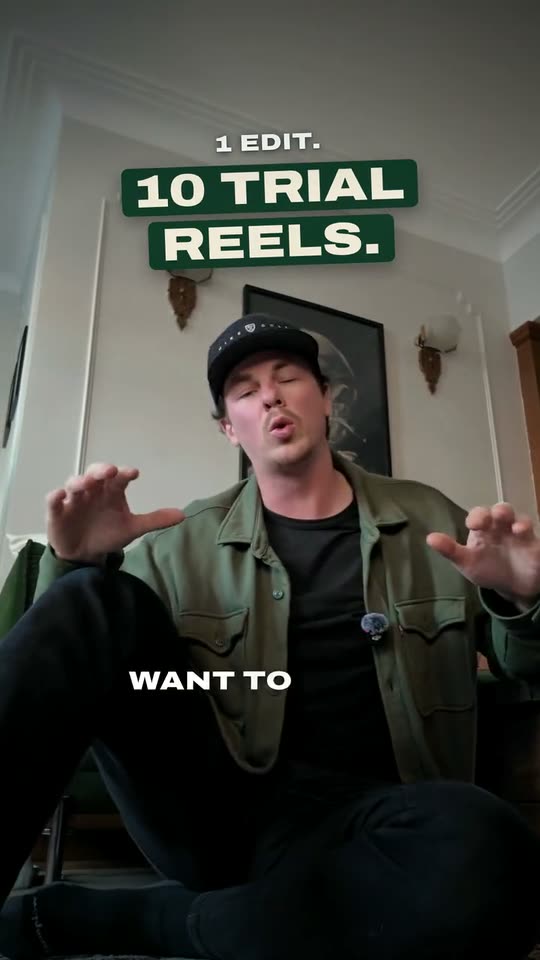
Trial 1New headline, new captions, warmer color, a tighter frame, a touch faster. -
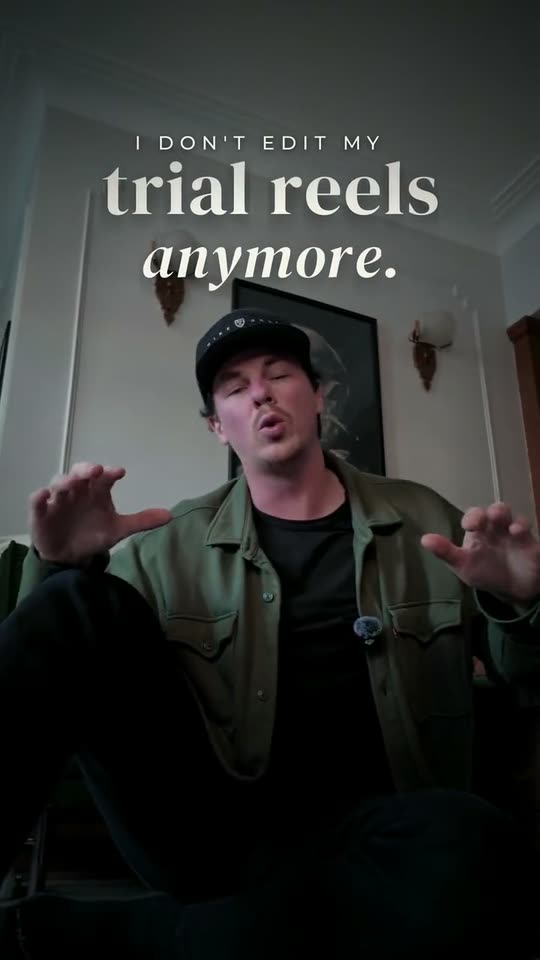
Trial 2New headline, a different style, cooler color, an extra animation in the first 3 seconds.
Swipe for the trial versions
-
Step 1
Edit your reel like always. Drop the clips, say
edit it
. -
Step 2
Say
make 8 trial reels
. Or 3. Or 20. Your call. -
Step 3
Each one tests a real change: a new hook, new captions, new effects or a new style. And each gets its own speed, framing and color, so none is a copy of another.
-
Step 4
Claude posts them for you. You check which one wins.
One edit. A stack of trial reels. Posted for you while you're filming the next one.
Tell Claude which version you posted and it stays exactly as it is. The next batch keeps it and adds fresh versions.
Scene 05Carousel Studio
Got a video? Now you've got a carousel too.
Carousel Studio turns any video into a carousel, or builds one from scratch on any topic. 8 looks built in. Or paste a link to a carousel you love and it builds your own.
-
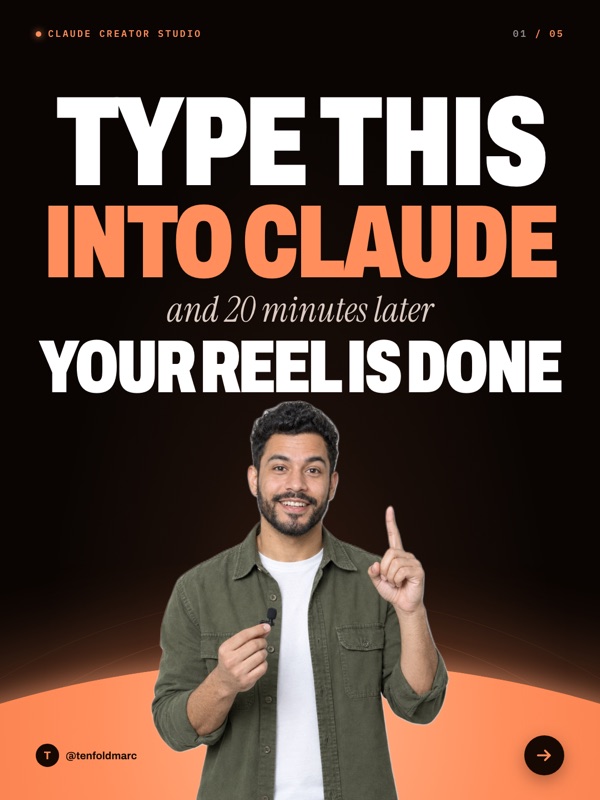
Horizon
Dark, glowing, made for tips
-

Bold Creator
Big caps over your own photos
-
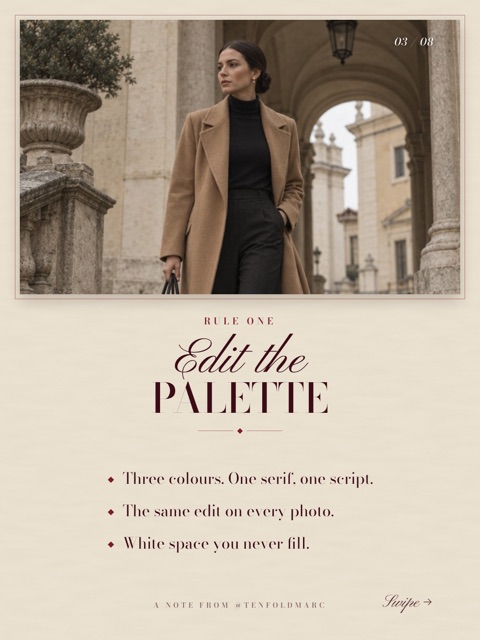
Old Money
Quiet luxury, serif and script
-
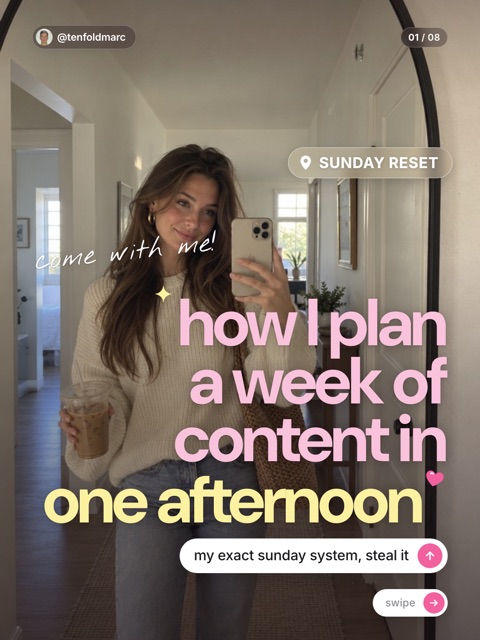
Girly Pop
Pink, playful, made to be shared
-
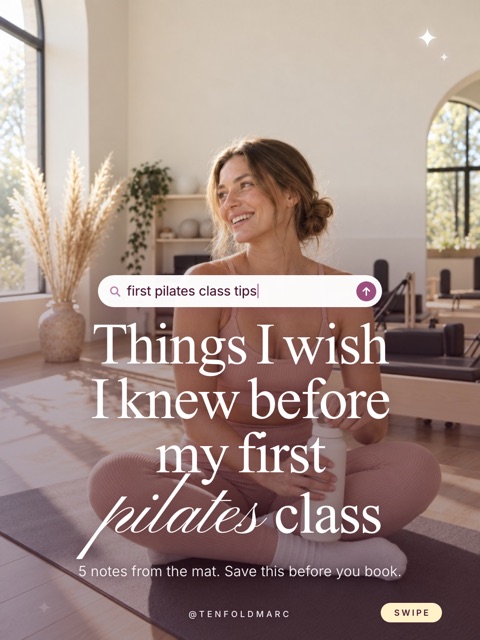
Soft Studio
Blush, calm, made for wellness
-

Your own look
Paste a link like this one of mine (581 comments)
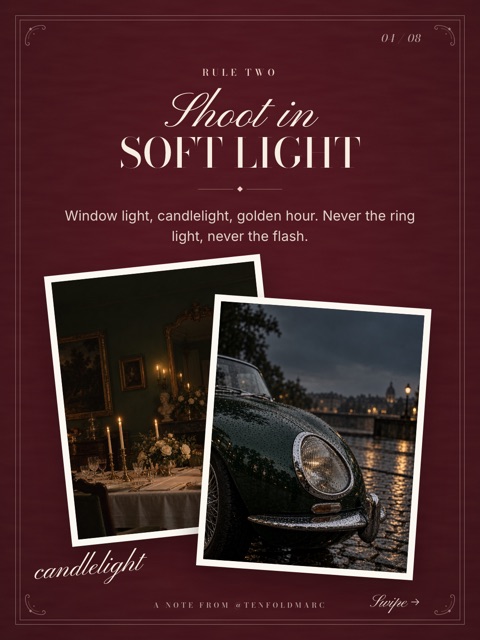
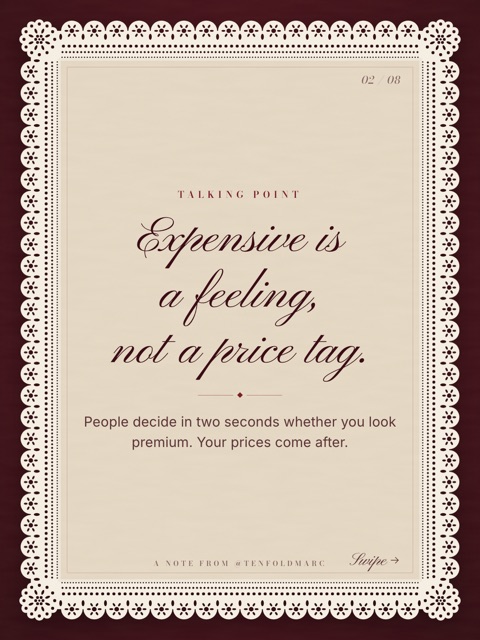
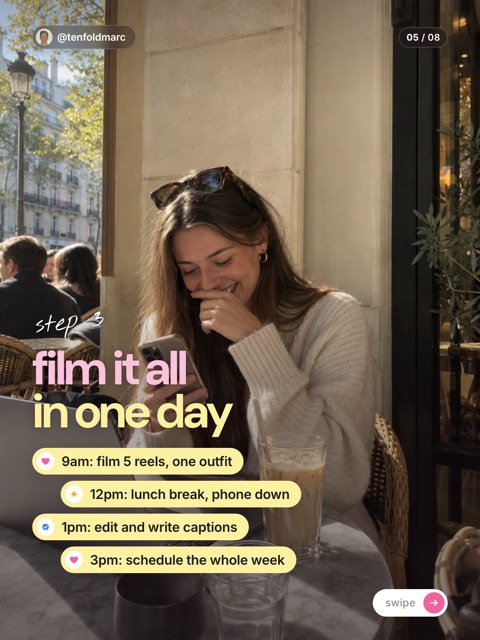
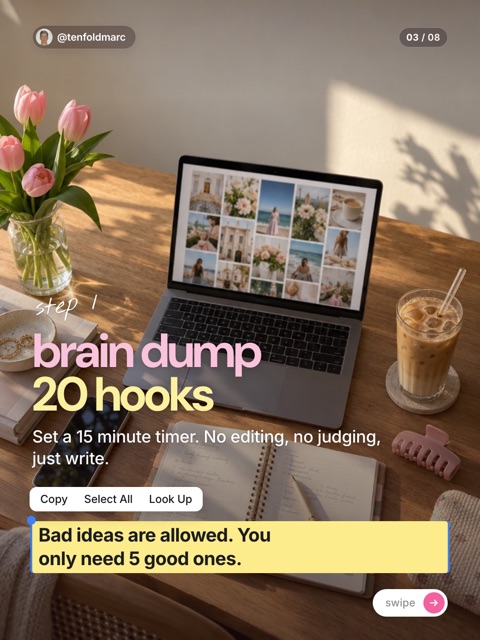
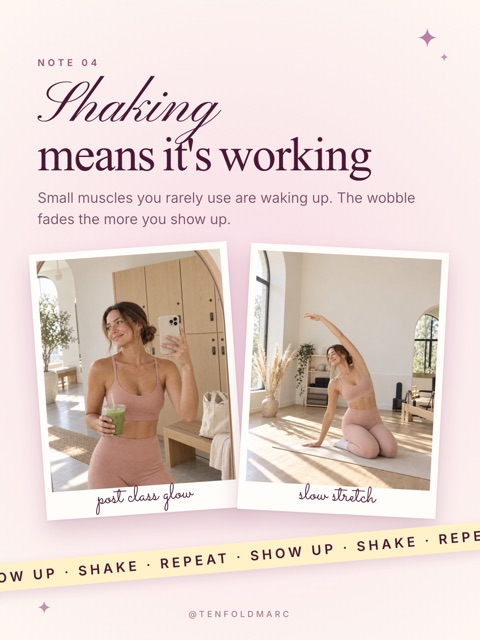
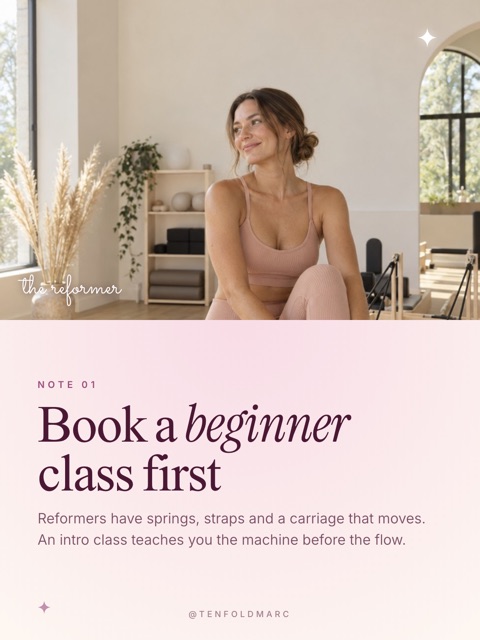
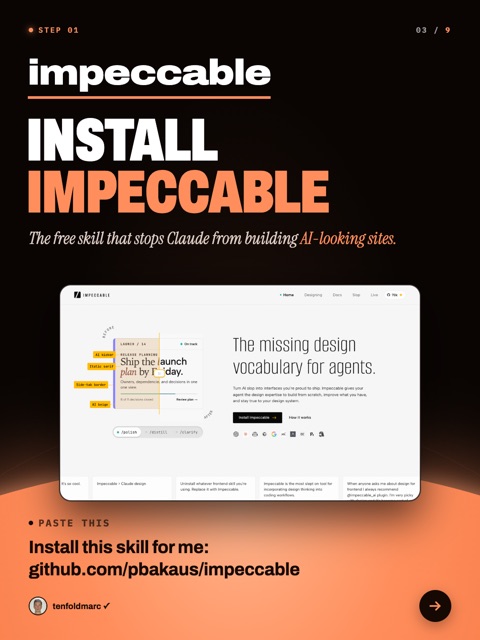
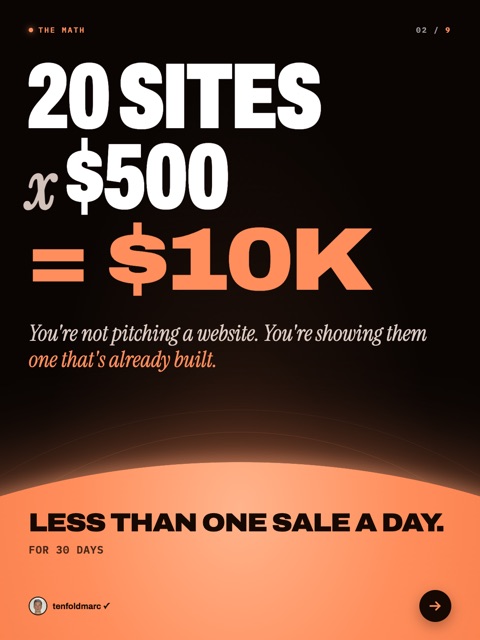
The sample photos are AI-generated. Yours use your own photos, stills from your videos, or images Claude generates for you.
8 looks built inPick one, tweak it, make it yours
- Horizon
- Paper
- Poster
- Old Money
- Soft Studio
- Girly Pop
- Bold Agency
- Bold Creator
Repurpose it
Say turn my last reel into a carousel
. Works with a video file or a link too.
Start from a topic
Say make a carousel about [your topic]
. Claude writes every slide first and waits for your OK.
Just paste a link
See a carousel you love? Paste the link (or drop a screenshot) and Claude builds that look for you, saved under your name. Every carousel after that comes out in it.
Trial Reels and Carousel Studio are included. No add-ons.
People are already editing with it.
Replies I got from people using the skill the Studio is built on.
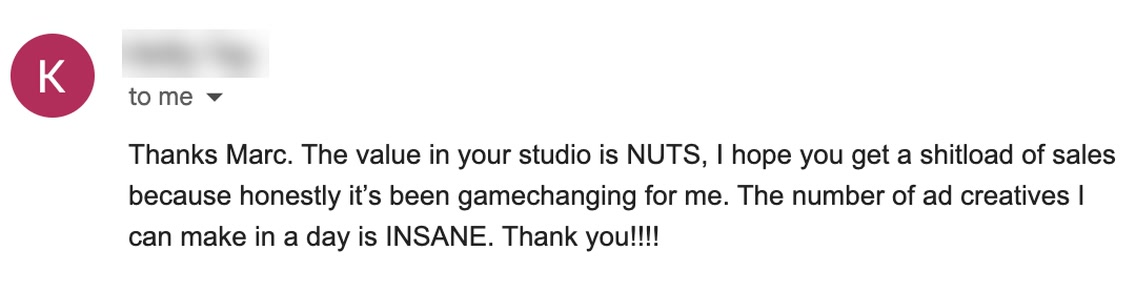
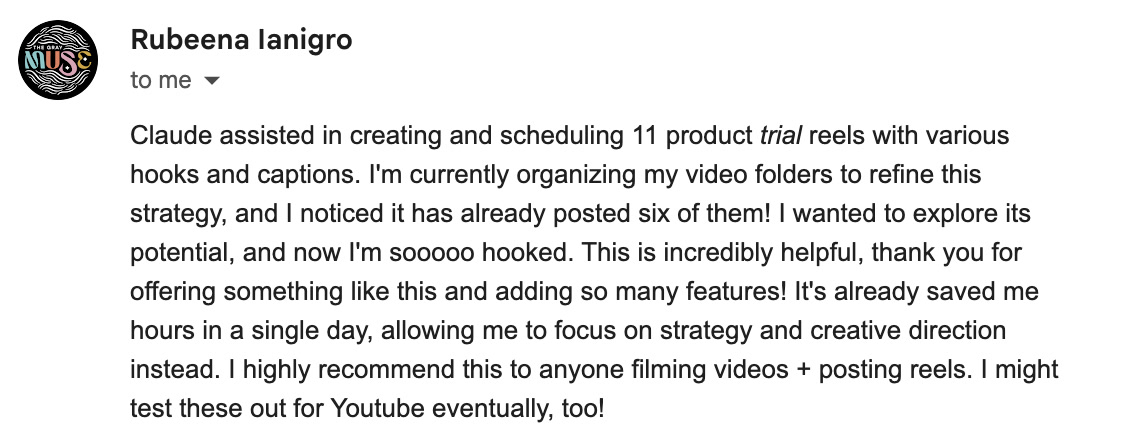
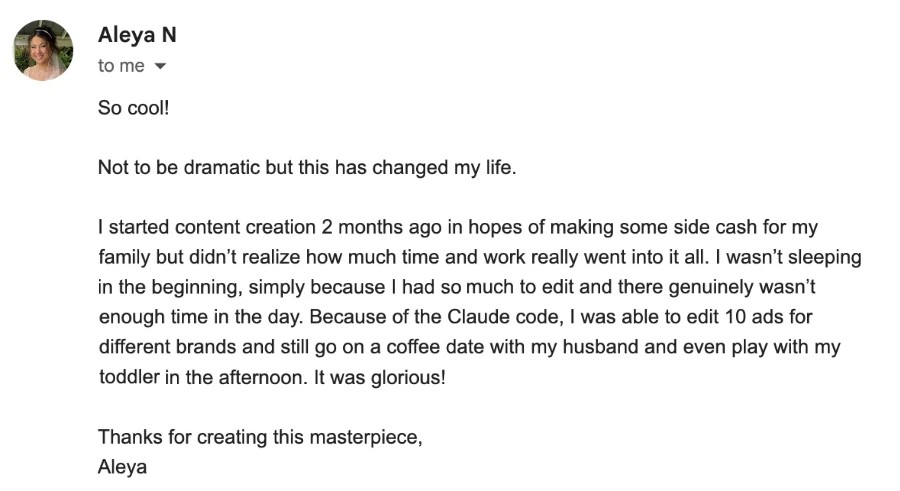

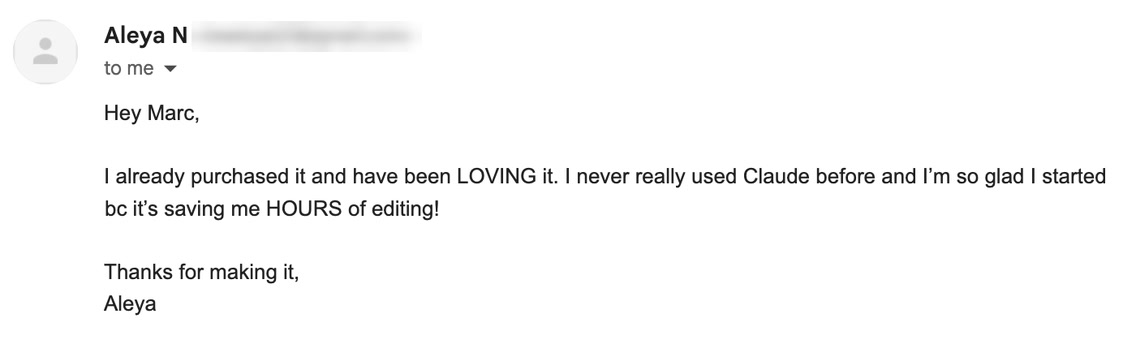
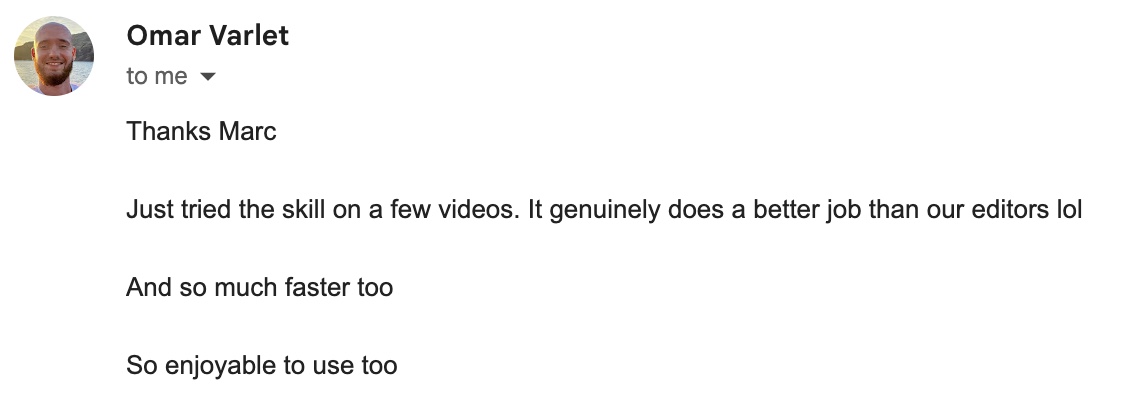

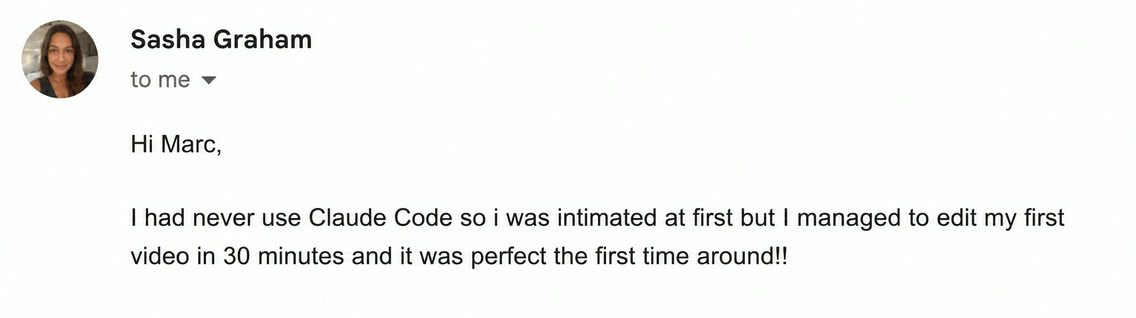
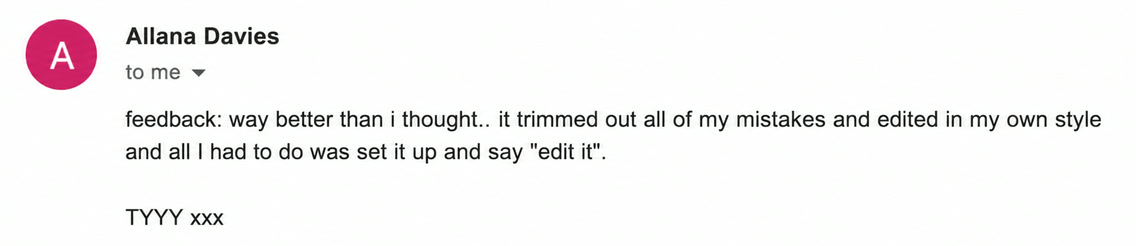

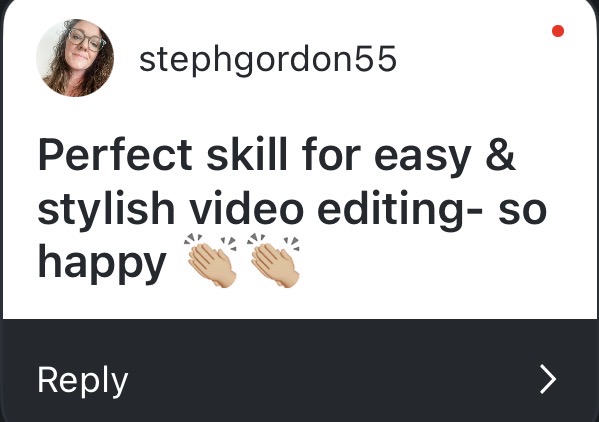
Real replies from people using the skill.
Scene 06Launch week

$67 for 48 hours. Then $97. Then the doors close.
No fake timer. When the clock hits zero, the price goes up. On the doors close, and I don't know when they open again.
- Launch priceNow until $67You are here
- Regular priceUntil $97You are here
- Doors closeWaitlist only
2 hours, live, with me. Free.
Be one of the first 100 people in and you get a seat at my live workshop. Bring your clips and your questions. We get your Studio set up right, together.
Spots left100 of 100
- When
- Sunday, November 1 at 11 a.m. Eastern
- Where
- Live on Zoom. 2 hours.
- Worth
- My last live workshop seat was
$197. Yours is free. - How
- Buy now. If you're in the first 100, your seat is saved at checkout.
$67 for the next 2 days. Instant access.
$97. Doors close in 3 days. Instant access.

Scene 07The price
Get in at the launch price.Get in before the doors close.
$97 after one payment
closes
$67 one time. In 2 days it's $97, and on the doors close.
$97 one time. The doors close in 3 days, and I don't know when they open again.
- Look Builder: 9 editing styles, 20 caption styles, or your own
- The FX Pack: 46 video effects
- Trial Reels: as many versions as you want, posted for you
- Carousel Studio: 8 looks, or paste a link to build your own
- Automated Posting and Scheduling: TikTok, Instagram, YouTube, LinkedIn and more
- Sound Rules + GIF Finder
- 8 walkthroughs + First Reel Setup for Mac and Windows
- Free updates for life
- First 100 only: the 2-hour live workshop with me, free
This was so good I had to let go of my video editor...
The price goes to $97 in
$97 from .
Doors close .
is live, so you get instant access the moment you check out. Doors close . After that, the only way in is the waitlist for the next opening.
An editor is usually $50 to $150 per video. Two reels and this has paid for itself.
What you still need: a Mac or a Windows computer, and the Claude desktop app with a paid Claude plan. The Pro plan ($20 a month) is enough.
Replace your editor in 7 days or get your money back.
Scene 08Who it is for

This is for you if you are a content creator and want to automate video editing, trial reels, posting and carousels.
It is for you if
- You record on your phone and the clips sit in your camera roll for days.
- You pay an editor, or you lose an evening to CapCut, for every single reel.
- You want Claude to edit your reels, and you want them to look like yours.
- You know you should be testing trial reels and posting carousels, and you never have the time.
- You run a business and video is a job you want off your plate.
It is not for you if
- You want a drag-and-drop app.This runs inside Claude Code on your computer, and you talk to it.
- You only edit on your phone.You need a Mac or a Windows computer.
- You want cinematic films.This is built for videos where you talk to the camera: reels, shorts, even YouTube videos.
- You don't have a paid Claude plan and don't want one.
Replace your editor in 7 days or get your money back.
Scene 09Questions
Straight answers before you buy.
When do I get it?
Right away. The moment you check out, your Studio opens with all nine pieces in it. To come back later, sign in with the email you bought with. No password.
How long is the $67 price around?
48 hours. It's $67 until . Then it's $97 until , and then the doors close. One payment either way, no subscription.
How do I get the free live workshop?
Be one of the first 100 buyers. Your seat is saved at checkout, and the thank-you page tells you you're in. It's Sunday, November 1 at 11 a.m. Eastern, live on Zoom, 2 hours. The spots counter on this page is live.
How do trial reels work?
Edit a reel, then say make 8 trial reels
(or any number). Each version tests one real change: a new hook, new captions, new effects or a new style. Each also gets its own speed, framing and color, so none of them is a copy of another. Then Claude posts them for you as trial reels.
Can it make carousels from a video I didn't edit with it?
Yes. Any video file, a link, or a reel the Studio edited. Or skip the video and give it a topic. It writes every slide first, waits for your OK, then designs them in your look.
Does it work on Windows?
Yes. Mac and Windows. The installer detects your computer and sets itself up for it.
What do I need on my computer?
A Mac or Windows computer, the Claude desktop app and a paid Claude plan. That's it. The Studio will take care of installing free dependencies for you if you don't have them installed yet.
Do I need to know how to code?
No. You paste one line to install it and then you talk to Claude in plain words. If something breaks, the doctor command tells you the exact fix.
Which Claude plan do I need?
Any paid plan works. Pro ($20 a month) handles reels: expect roughly 10 to 20 short ones a month, depending on length and how many changes you ask for. Long videos use a lot more, so Max is the better plan for those.
What kind of videos does it edit?
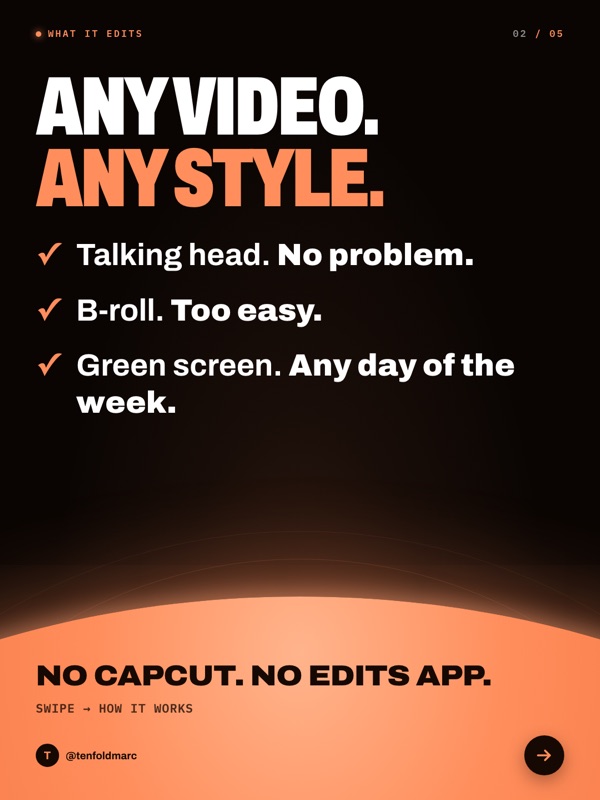
Talking-head, b-roll, green screen, even YouTube videos. You on camera, footage playing over what you're saying, or you cut out and placed over what you're talking about.
Can it edit long YouTube videos?
Yes. It cuts dead air and keeps the cleanest take when you repeat a line, same as with a reel. The catch is usage: a 10 minute video eats far more of your Claude plan than a 30 second reel, so use the Max plan for long-form.
Does it work in my language?
Yes. Transcription runs on Whisper, which supports around 100 languages, so the cuts and captions follow what you actually say.
Will my reels look like yours?
Only if you want them to. There are 9 ready-made editing styles and 20 caption styles to pick from, or you hand Claude a reel you like and Look Builder builds your own, with your fonts and colors.
How is this different from the skill in your reel?
The skill in my reel is the original. It does three looks, and you can keep using it. The Studio is what people asked me for after: 46 effects, 20 caption styles and 9 editing styles, Look Builder (hand Claude a reel you like and it builds your style), trial reels posted for you, Carousel Studio, sound placed for you, a GIF finder, and walkthroughs of how I edit. If the original is enough for you, keep it.
Can't I just build this myself with Claude?
You can, but chances are you won't get as good results because I've spent over 40 hours building this and testing this with real clips so the sounds, captions and video effects would look right. You're paying to skip that week of work.
Is this a course?
No. There are short walkthroughs so you can watch me do it, and the rest is tools. You are not learning to edit.
Can I try it before I buy?
There's no trial, because once you buy it, it's installed on your computer. That's what the guarantee is for. Use it on your own reels for 7 days. If you'd still rather open CapCut or pay an editor, email me and I refund you in full. All I ask is that you don't buy just to refund.
Do I get updates, and help if I get stuck?
Yes, free for life. Every fix, new effect and new feature arrives as an update to the plugin, and your picks and your own style are kept. Trial Reels and Carousel Studio both came this way. If you get stuck, email info@tenfoldmarketing.com with a screenshot of what you see and I'll help you through it.
One payment. No subscription.
Scene 10Last shot
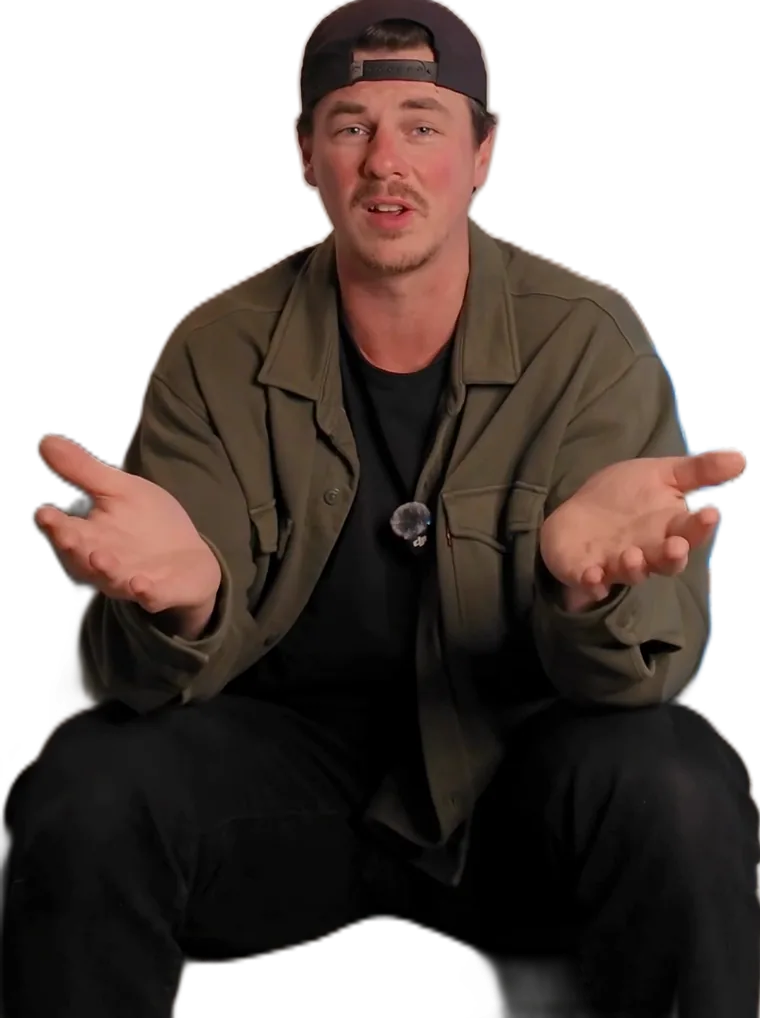
I'm Marc Cleroux. I run Ten Fold and I teach regular people and business owners how to use AI to build and grow.
I'm not a tech bro and I suck at design. That is the point. If I can get reels like this out of Claude, so can you.
I built this skill because I was losing hours to editing. Now I film, drop the clips, and review the result on my phone.
Drop your clips. Say go. Post the reel.
$67 for the next , then $97. Replace your editor in 7 days or get your money back.
$97. Doors close in . Replace your editor in 7 days or get your money back.
You'll go to a secure checkout. You get instant access.
Filmed by you Edited by Claude Your look by Look Builder Effects by The FX Pack Trial reels posted by Claude Carousels by Carousel Studio Sound by Sound Rules GIFs by GIF Finder Shown in 8 walkthroughs Installed by First Reel Setup